What Is Uptime Monitoring? How It Works and What to Monitor
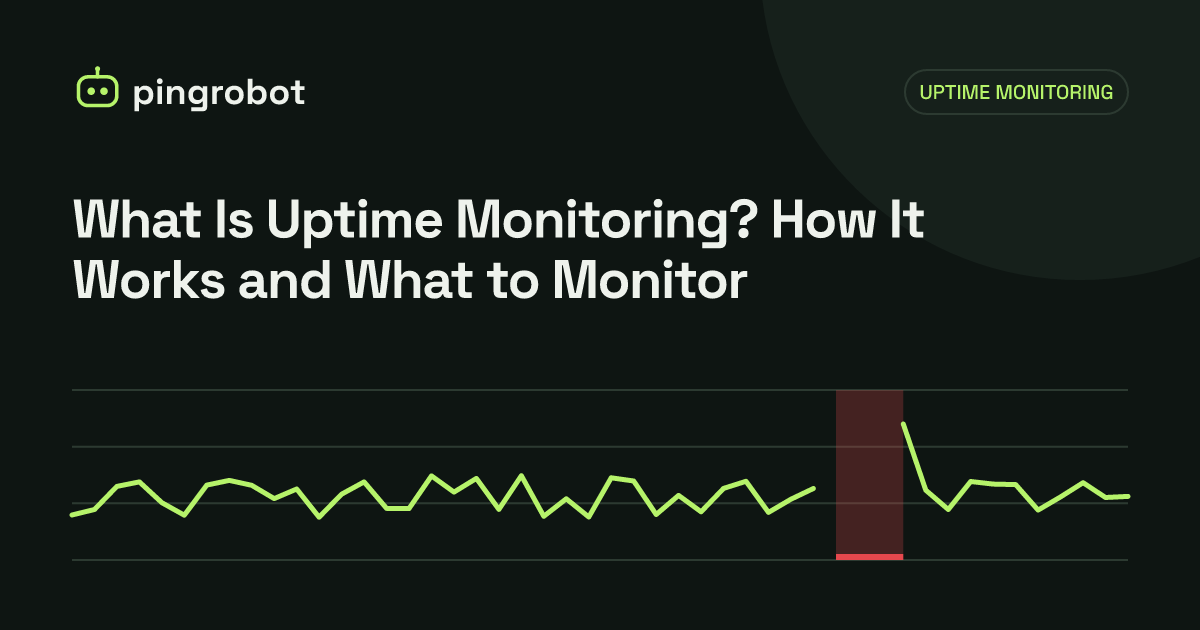
Uptime monitoring is an external service that repeatedly checks whether your website, API, server port or scheduled job is working, and alerts you as soon as a check fails. It tells you about outages before your customers do and records how often and how long you were down.
Uptime monitoring is the practice of checking a website, API, server or background job from the outside on a fixed schedule and sending an alert when it stops working. A monitoring service makes a request every minute or every few minutes, compares the result with what it expects (a 200 status, a word on the page, an open port, a ping from your cron job), and notifies you by email, chat or webhook when something fails. Over time it also produces an uptime percentage and an incident history.
Why it matters
Without monitoring, you usually learn about downtime from a customer, a client or a drop in sales. That gap can be hours, especially at night or over a weekend. External monitoring closes it:
- You find out first. Alerts arrive within minutes of the first failed check.
- You get a timeline. You know when it started, when it recovered and how often it happens.
- You can prove your uptime. Agencies and SaaS companies can show clients real numbers instead of guesses. See uptime percentage explained for what those numbers mean.
- You catch problems you did not cause. Expired DNS records, a hosting provider incident or a CDN misconfiguration all show up as failed checks.
How an uptime check works
A typical HTTP check goes through the same steps a browser does:
- DNS lookup of your domain.
- TCP connection to the server, usually on port 443.
- TLS handshake for HTTPS, which fails if the certificate is invalid for the hostname.
- HTTP request for the URL, often following redirects.
- Response evaluation: the status code, the response time and optionally the content.
If any step fails or takes longer than the timeout, the check fails. Good monitoring services do not alert on a single failure from one place. They re-check, often from a different region, to rule out a network blip between the checker and your server. Only a confirmed failure triggers an alert, which keeps false alarms low.
When the site recovers, the monitor sends a "back up" notification and records the incident duration.
Types of monitors
Different parts of your stack need different checks.
| Monitor type | What it checks | Good for |
|---|---|---|
| HTTP(S) | Status code and response time of a URL | Websites, landing pages, APIs |
| Keyword | That a specific word or phrase is (or is not) in the response | Pages that return 200 but are broken |
| TCP port | That a port accepts connections | Mail servers, databases, SSH, game servers |
| Heartbeat (cron) | That your job pinged a URL within the expected time | Backups, scheduled scripts, queues |
HTTP(S) monitoring
The default choice for anything with a URL. It alerts on timeouts, connection errors and status codes such as 500, 502, 503 and 504.
Keyword monitoring
A page can return 200 OK while showing a database error, an empty template or a "site suspended" notice. A keyword check confirms that expected content is present. See keyword monitoring.
TCP port monitoring
For services that do not speak HTTP, a TCP check confirms the port accepts connections. See TCP port monitoring.
Heartbeat monitoring
The previous types are active: the monitor reaches out to you. A heartbeat is passive: your job calls a unique URL each time it finishes, and the monitor alerts if the call does not arrive on time. This is the only reliable way to notice a cron job that silently stopped running. See cron job monitoring with heartbeats.
What to monitor: a starter checklist
For a typical website or small SaaS, start with:
- Homepage over HTTPS
- The
wwwand non-wwwversions, if both should work - Login page or app entry point
- Checkout, booking or contact form page (keyword check for a button label)
- Public API health endpoint, for example
/health - Mail server submission port if you run your own mail
- Nightly backup job (heartbeat)
- Any other scheduled job whose silent failure would hurt: invoices, reports, cache warmers
Agencies can apply the same list per client and group monitors by client.
Alerts that people actually read
Monitoring only helps if alerts reach someone who can act. A few principles:
- Send alerts where you already look. Email is a baseline, but a chat channel such as Telegram or Slack is usually noticed faster. A webhook lets you route alerts into your own tools.
- Avoid noise. If every short blip pages you, you will start ignoring alerts. Confirmation from a second location and sensible timeouts help.
- Decide who responds. Even a two-person team should know whose phone is expected to react at 3 a.m.
- Tell your users. A status page answers "is it just me?" and reduces support tickets during an incident.
Choosing a check interval
The interval sets how quickly you can detect a problem and how precisely uptime is measured.
| Interval | Worst-case detection delay | Suits |
|---|---|---|
| 5 minutes | About 5 minutes plus confirmation | Blogs, brochure sites, internal tools |
| 1 minute | About 1 minute plus confirmation | Stores, SaaS, APIs, client sites under SLA |
Remember that a short outage can fall between two checks and go unrecorded. If you promise 99.99% uptime to customers, 5-minute checks cannot verify it.
What uptime monitoring does not do
Uptime monitoring is deliberately simple. It does not:
- Explain why the site is down. For that you need server logs, error tracking or APM.
- Measure the experience of every real visitor. That is real user monitoring (RUM).
- Run full browser journeys with clicks and form submissions. That is synthetic transaction monitoring.
It is still the first layer to set up, because it is cheap, needs no code changes and catches the most expensive failure of all: being completely unreachable.
Getting started in ten minutes
- List your critical URLs, ports and scheduled jobs using the checklist above.
- Create an HTTP monitor for each URL. Add a keyword where a 200 response could hide a broken page.
- Add heartbeat monitors for cron jobs and append the ping to each job.
- Connect at least two alert channels, for example email and a chat app.
- Trigger a test: stop a non-critical service or point a monitor at a URL that returns 404, and confirm the alert arrives.
- Publish a status page if customers depend on you.
PingRobot covers this setup with HTTP(S), keyword, TCP port and heartbeat monitors, checks every 5 minutes on the free plan or every minute on Pro, and alerts you by email. If you want a no-cost route first, read how to monitor website uptime for free. When something does go down, the website down checklist walks you through the first steps.
Start monitoring free — 10 monitors, no credit card.
Frequently asked questions
What is the difference between uptime monitoring and APM?
Uptime monitoring checks your service from the outside, the way a visitor would, and answers whether it is reachable and responding correctly. APM (application performance monitoring) runs inside your application and shows why it is slow or failing, down to individual database queries and functions.
How often should an uptime monitor check my site?
Every 5 minutes is enough for most small business and personal sites. For stores, SaaS products and APIs where minutes of downtime cost money, 1-minute checks are a better fit.
Can my hosting provider's status page replace uptime monitoring?
No. A provider's status page reports problems with their platform, not with your site. A broken deploy, an expired database password or a full disk on your server will not appear there.
Does uptime monitoring slow down my website?
No. A check is a single request every one to five minutes, which is negligible compared with normal visitor traffic.