HTTP Status Codes - A Plain-English Reference for Monitoring
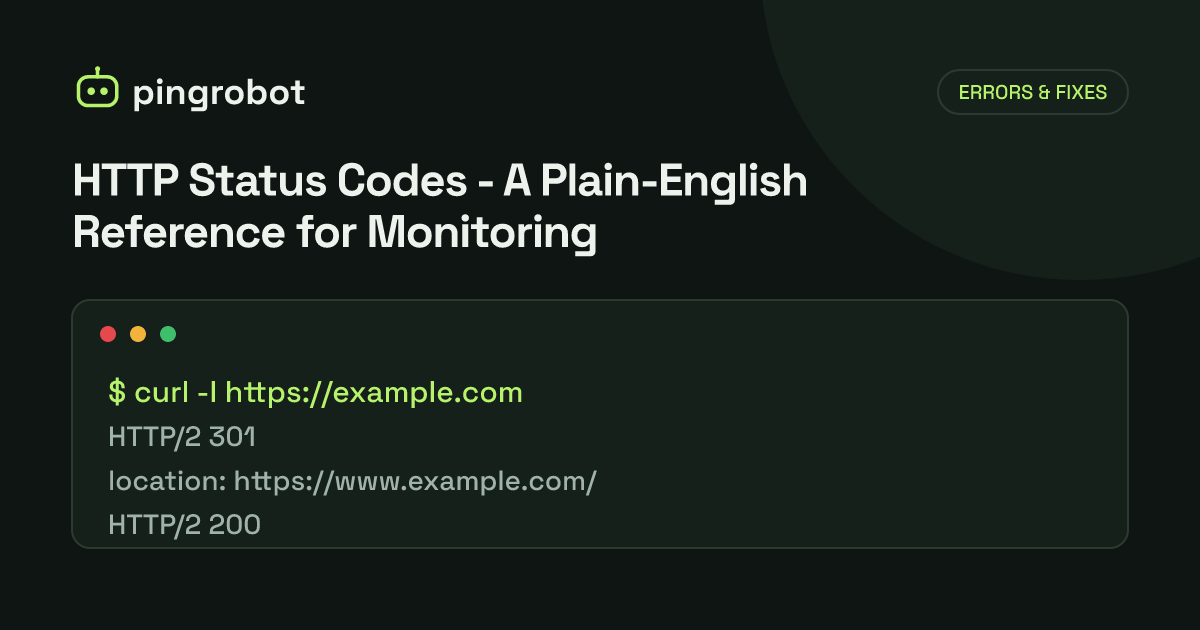
An HTTP status code is the three-digit number a server sends back to say how a request went. The first digit sets the class - 1xx informational, 2xx success, 3xx redirection, 4xx client error, 5xx server error. For uptime monitoring, 2xx and expected 3xx responses usually mean up, 5xx means the server is failing, and 4xx needs judgment.
An HTTP status code is the three-digit number at the start of every HTTP response. The first digit tells you the class of result, and the remaining digits narrow it down. The meanings below follow RFC 9110 (HTTP Semantics, 2022), which defines most codes, and RFC 6585 for 429, 431 and 511; where another RFC defines a code, it is named. Each entry adds what the code means when an uptime monitor sees it.
Each code links to its own page with causes, fixes and what it means for monitoring; the full index of HTTP status codes lists them by class.
The five classes at a glance
| Class | Meaning | Typical monitoring verdict |
|---|---|---|
| 1xx Informational | Request received, still processing | Not a final answer; clients wait for the next response |
| 2xx Success | Request received, understood and accepted | Up |
| 3xx Redirection | Further action needed, usually following another URL | Up, if the redirect is expected |
| 4xx Client error | The request has a problem, or is not allowed | Depends; unexpected 4xx on a public page usually means broken |
| 5xx Server error | The server failed to handle a valid request | Down |
A client that receives a code it does not know should treat it as the x00 code of the same class, so an unknown 5xx is handled like 500.
1xx Informational
| Code | Name | Plain-English meaning | For monitoring |
|---|---|---|---|
| 100 | Continue | Go ahead and send the request body. | Interim only; monitors see the final code that follows. |
| 101 | Switching Protocols | The server is switching protocols, for example to WebSocket. | Expected on WebSocket upgrades; not used for normal page checks. |
| 103 | Early Hints | Preload these resources while the final response is prepared (RFC 8297). | Interim only; ignore it and judge the final code. |
2xx Success
| Code | Name | Plain-English meaning | For monitoring |
|---|---|---|---|
| 200 | OK | The request worked and here is the result. | Up. Pair it with a keyword check if error pages might also return 200. |
| 201 | Created | The request worked and created a new resource. | Up; common from API POST endpoints. |
| 202 | Accepted | Received and queued, but not finished yet. | Up; the work itself is not confirmed. |
| 204 | No Content | Success, with no body to return. | Up; common for health and API endpoints. Keyword checks cannot work on an empty body. |
| 206 | Partial Content | Here is the byte range you asked for. | Up; seen on downloads and video. |
3xx Redirection
| Code | Name | Plain-English meaning | For monitoring |
|---|---|---|---|
| 301 | Moved Permanently | This URL has moved for good; use the new one. | Up if expected, such as HTTP to HTTPS. Monitor the final URL directly when you can. |
| 302 | Found | Temporarily at another URL. | Up if expected. A surprise 302 to a login page can mean a session or auth problem. |
| 303 | See Other | Go fetch the result from another URL with GET. | Up; typical after a form submission. |
| 304 | Not Modified | Your cached copy is still valid. | Up; only appears on conditional requests. |
| 307 | Temporary Redirect | Temporarily elsewhere; repeat the same method and body there. | Up if expected. |
| 308 | Permanent Redirect | Moved for good; repeat the same method and body at the new URL. | Up if expected. |
Watch for redirect loops: a URL that redirects to itself, directly or through a chain, never returns a page. A monitor that follows redirects with a hop limit reports this as a failure.
4xx Client errors
| Code | Name | Plain-English meaning | For monitoring |
|---|---|---|---|
| 400 | Bad Request | The server cannot process this request as sent. | Usually a misconfigured check, not an outage. Verify the URL and headers. |
| 401 | Unauthorized | Authentication is required or failed. | Expected on protected endpoints. Monitor a public URL, or send credentials meant for monitoring. |
| 403 | Forbidden | Understood, but refused. | On a public page, often a firewall, WAF or bot rule blocking the monitor, or a permissions error after deploy. |
| 404 | Not Found | Nothing exists at this URL. | Down for that page; often a broken route, a bad deploy or a wrong document root. |
| 405 | Method Not Allowed | This URL does not accept this method. | Often a HEAD request that the app does not support. Check with GET. |
| 408 | Request Timeout | The client took too long to send the request. | Rare for monitors; investigate if it repeats. |
| 409 | Conflict | The request conflicts with the current state of the resource. | API-level; not an availability signal. |
| 410 | Gone | Removed on purpose and not coming back. | Update or remove the monitor. |
| 413 | Content Too Large | The request body is larger than the server allows. | API and upload checks; not usually availability. |
| 414 | URI Too Long | The URL is longer than the server accepts. | Rare; check the monitored URL. |
| 415 | Unsupported Media Type | The body's format is not accepted. | API checks; fix the Content-Type. |
| 421 | Misdirected Request | This server cannot answer for this hostname. | Can indicate TLS or virtual host misconfiguration. |
| 422 | Unprocessable Content | Well-formed, but the content is invalid. | API-level validation; not availability. |
| 429 | Too Many Requests | Rate limit hit; slow down (RFC 6585). | The site is up but throttling. Lower check frequency or allowlist the monitor. |
| 431 | Request Header Fields Too Large | Headers, often cookies, are too big (RFC 6585). | Rare for monitors; real users with large cookies may be affected. |
| 451 | Unavailable For Legal Reasons | Blocked for legal reasons (RFC 7725). | Can be regional; compare results from different regions. |
5xx Server errors
| Code | Name | Plain-English meaning | For monitoring |
|---|---|---|---|
| 500 | Internal Server Error | Something unexpected broke on the server. | Down. See HTTP 500. |
| 501 | Not Implemented | The server does not support this method at all. | Usually the check's method; switch HEAD to GET. |
| 502 | Bad Gateway | A proxy got an invalid response from the server behind it. | Down. See 502 Bad Gateway. |
| 503 | Service Unavailable | Temporarily overloaded or in maintenance. | Down, even if planned. See 503 Service Unavailable. |
| 504 | Gateway Timeout | A proxy gave up waiting for the server behind it. | Down. See 504 Gateway Timeout. |
| 505 | HTTP Version Not Supported | The server refuses this HTTP version. | Rare; usually a client or proxy configuration issue. |
| 511 | Network Authentication Required | Log in to the network first, as on hotel Wi-Fi (RFC 6585). | Indicates a captive portal between client and site, not a site failure. |
Codes you will see that are not standard
Some codes appear in logs and error pages but are not in RFC 9110 or the IANA registry:
- 499 – logged by nginx when the client closed the connection before the response was sent. Users never receive it.
- 520–527 and 530 – Cloudflare-specific codes for problems between Cloudflare and your origin, such as 521 (origin refused the connection), 522 (connection timed out) and 524 (origin did not respond in time).
- 418 – listed in RFC 9110 as reserved and unused. It originated as an April Fools' joke and should not appear in production.
Treat vendor-specific 5xx codes as down, like any other 5xx.
Choosing which codes mean "up"
A sensible default for a public website is: 2xx and 3xx mean up, everything else means down, confirmed by a re-check before alerting. Two adjustments make that default more reliable:
- Monitor the final URL. If
http://example.comredirects tohttps://www.example.com/, monitor the HTTPS URL so a broken redirect and a broken site are not confused. - Check content, not just the code. A 200 response can still be a blank page, a database error rendered as HTML, or a parked domain. A keyword monitor that looks for text only present on a healthy page closes that gap.
PingRobot offers HTTP(S) and keyword monitors and re-checks every failure from a second region before alerting. If you are in the middle of an outage, use the website down checklist.
Start monitoring free — 10 monitors, no credit card.
Frequently asked questions
Which HTTP status codes count as down in uptime monitoring?
5xx codes almost always mean down. Unexpected 4xx codes on a page that should be public, such as 403 or 404 on the home page, usually mean something is broken too. 2xx and 3xx codes normally count as up.
What happens if a client receives a status code it does not recognize?
RFC 9110 says a client should treat an unrecognized code as equivalent to the x00 code of its class. An unknown 5xx code such as 599 is handled like a 500.
Where are HTTP status codes officially defined?
Most are defined in RFC 9110, HTTP Semantics. Some come from other RFCs, such as RFC 6585 for 429, 431 and 511. IANA maintains the official HTTP Status Code Registry that lists every registered code and its defining document.
Are codes like 520 or 499 official?
No. They are vendor-specific. Cloudflare uses 520 to 530 for problems between its edge and your origin, and nginx logs 499 when the client closed the connection before a response was sent. They are not in the IANA registry.