API Monitoring: How to Monitor a REST API's Health Endpoint
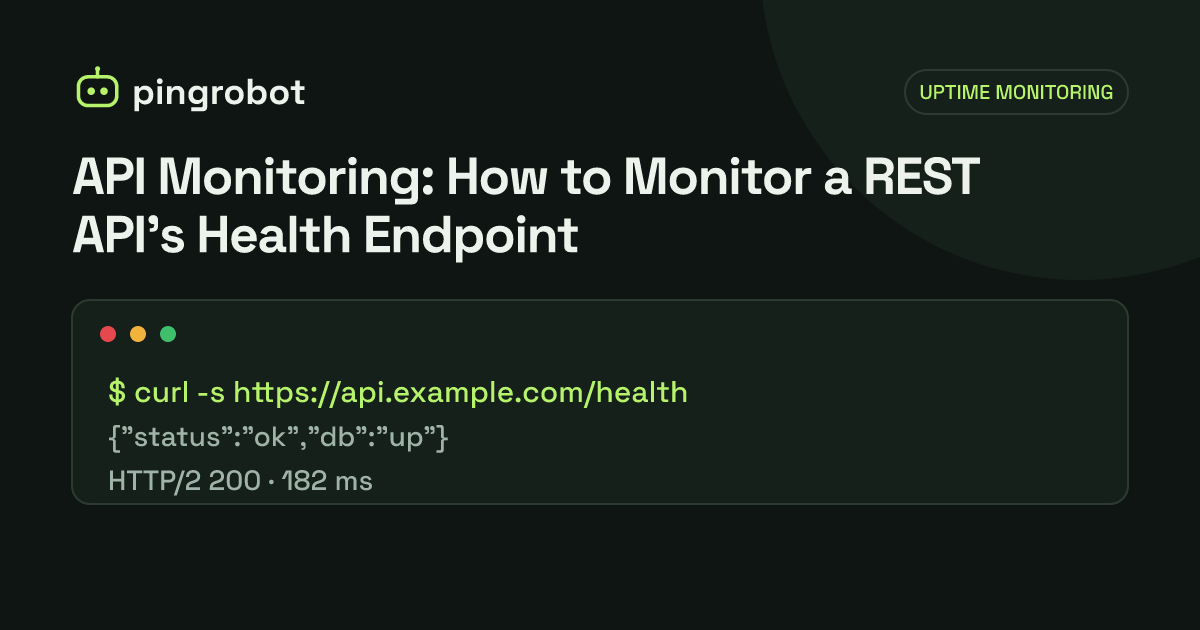
To monitor a REST API, expose a /health endpoint that returns 200 with a small JSON body such as {"status":"ok"} when the service and its critical dependencies work, and 503 when they do not. Point an external HTTP monitor at it with a keyword check for "status":"ok" and a timeout, so you are alerted on errors, wrong content and slow responses.
API monitoring, in its simplest and most useful form, means requesting your API's health endpoint from outside your infrastructure every minute or few minutes and alerting when the response is an error, is missing the expected content, or is too slow. Expose a /health endpoint that returns HTTP 200 with a body like {"status":"ok"} only when the service can actually do its job, then set up an HTTP monitor on it with a keyword check for "status":"ok". The status code catches crashes and gateway errors; the keyword catches the cases where something answers with 200 but the API itself is not healthy.
Why an HTTP status check alone is not enough
An API sits behind several layers, and any of them can answer on the API's behalf:
- A load balancer or CDN returns its own error page, sometimes with a 200 status.
- A misconfigured route sends
/healthto a default handler or a single-page app'sindex.html, which returns 200 with HTML instead of JSON. - A framework's built-in health route returns 200 as long as the process runs, even when the database is unreachable.
Checking for a specific piece of the JSON body closes these gaps. If the body does not contain "status":"ok", something other than your healthy API answered. The general idea is covered in keyword monitoring.
What a good health endpoint returns
Keep it small, fast and honest.
Healthy:
HTTP/1.1 200 OK
Content-Type: application/json
Cache-Control: no-store

{"status":"ok","time":"2026-10-15T09:30:00Z"}
Unhealthy:
HTTP/1.1 503 Service Unavailable
Content-Type: application/json
Cache-Control: no-store

{"status":"error","failed":["database"]}
Guidelines:
- Use the status code to signal health. Return 200 when healthy and 503 when not. Monitors, load balancers and humans all understand that without parsing the body. The 503 guide explains the code in more depth.
- Include a fixed status field so a keyword check has something stable to match.
- Disable caching with
Cache-Control: no-store, so a CDN or proxy never serves a stale "ok". - Check only critical dependencies. If the API cannot work without its database, include it. If an optional recommendation service is down but requests still succeed, report it as a warning in the body, not as a failure.
- Use short timeouts for each dependency check, for example one or two seconds, so a hanging database produces a fast 503 rather than a timeout.
- Do not leak details. Leave out version numbers, hostnames, connection strings and stack traces.
If you want a documented format, there is an IETF Internet-Draft called "Health Check Response Format for HTTP APIs" that uses "status": "pass", "warn" or "fail" and the media type application/health+json. It never became a published RFC, but some teams follow it for consistency. If you adopt it, use "status":"pass" as your keyword instead.
A minimal example
Here is the idea in Node.js with Express. Adapt it to your framework:
app.get("/health", async (req, res) => {
  res.set("Cache-Control", "no-store");
  try {
    await withTimeout(db.query("SELECT 1"), 1500);
    res.status(200).json({ status: "ok", time: new Date().toISOString() });
  } catch {
    res.status(503).json({ status: "error", failed: ["database"] });
  }
});
withTimeout is any helper that rejects if the promise does not settle in time. The key point is that the endpoint does real work against the database, but only the smallest possible query.
Liveness, readiness and external health checks
If you run on Kubernetes or a similar platform, you may already have probes. They answer different questions:
| Check | Question it answers | Should it test dependencies? |
|---|---|---|
| Liveness probe | Is this process stuck and in need of a restart? | No |
| Readiness probe | Should this instance receive traffic right now? | Yes, critical ones |
| External uptime check | Can users reach a working API from the internet? | Yes, through the full path |
Do not point a liveness probe at an endpoint that checks the database. If the database goes down, every instance fails liveness and gets restarted in a loop, which does not help. A common pattern is /livez for liveness and /health (or /readyz) for readiness and external monitoring.
Setting up the monitor
- Test with curl first and copy the exact response:
curl -s -i https://api.example.com/health
- Create an HTTP(S) monitor on the full URL, including the scheme and any version prefix, such as
https://api.example.com/v1/health. - Add the keyword exactly as it appears in the body. If the response is
{"status": "ok"}with a space, the keyword must include the space. Matching the whole pair ("status":"ok") is safer than matchingok, which could appear anywhere. - Choose the interval. One minute for production APIs that customers call directly; five minutes is reasonable for internal or low-traffic services.
- Set alerts to reach whoever is on call. Webhook alerts are useful for APIs because they can open an incident or post into a chat tool automatically.
PingRobot supports this setup with HTTP and keyword monitors, re-checks failures from a second region before alerting, and sends signed webhooks on every plan (see the webhook docs).
Latency: slow is a kind of down
A health endpoint that takes eight seconds to answer is technically up, but clients with a five-second timeout will treat the API as broken.
- Set a monitor timeout that matches your clients. If your mobile app gives up after 10 seconds, a monitor with a 30-second timeout is too forgiving.
- Watch the response time trend. A health endpoint that drifts from 80 ms to 900 ms over a week often points to a growing database table, a missing index or a saturated connection pool.
- Remember what is measured. An external check includes DNS lookup, TCP and TLS setup and network distance, so it will be slower than the same request timed on the server. Compare trends, not absolute numbers against your internal metrics.
A health endpoint should do very little work, so it should be among the fastest routes you have. If it is slow, everything else probably is too. Timeouts at the proxy level show up as gateway errors; see HTTP 504 Gateway Timeout.
Authentication and security
Most APIs require authentication, but the health endpoint usually should not:
- Keep
/healthpublic and minimal. A status word reveals nothing useful to an attacker. - Put details behind auth. A separate
/health/detailsendpoint for your team can list each dependency, its latency and the build version. - Avoid secrets in URLs. If you must protect the endpoint, a token in the query string works with any monitor, but URLs end up in access logs, proxies and browser history. Use a dedicated, low-privilege token that only unlocks the health route, never a real API key.
- Allow the monitor through rate limits and firewalls. A WAF that blocks or challenges unknown clients will cause false alerts, and a rate limiter returning 429 to your monitor will look like an outage.
- Exclude health checks from analytics so a request every minute does not distort your usage numbers.
Beyond the health endpoint
A /health check tells you the service is alive and can reach its dependencies. It does not prove every feature works. Add a few targeted checks:
- One real read-only endpoint that clients depend on, such as
GET /v1/plansor a public catalog route, with a keyword check on a field name in the response. - TCP port monitors for dependencies outside the HTTP path, such as a database or cache, if they are reachable from outside.
- Heartbeat monitors for queue workers and scheduled jobs. They can fail silently while the API keeps returning 200.
- A status page so API consumers can see current health without opening a ticket.
Checklist
/healthreturns 200 with{"status":"ok"}when healthy, 503 when notCache-Control: no-storeand short dependency timeouts- No secrets, versions or hostnames in the public response
- External HTTP monitor with a keyword on the exact status field
- Timeout aligned with what your clients tolerate
- Monitor allowed through WAF and rate limits
- Separate liveness endpoint if you use an orchestrator
- Extra checks for one real endpoint and for background workers
Start monitoring free — 10 monitors, no credit card.
Frequently asked questions
Should the health endpoint check the database?
For an external uptime check, yes, with a short timeout, because an API that cannot reach its database is down for users. For a container orchestrator's liveness probe, no, because restarting the API will not fix the database and can make things worse. Use separate endpoints for the two jobs.
Should a health endpoint require authentication?
Usually not. Keep it public but make it reveal almost nothing - a status word and perhaps a timestamp. Put detailed diagnostics on a separate endpoint that requires authentication.
Why does my keyword check fail even though the JSON says ok?
The most common cause is whitespace or field order. A serializer may output "status": "ok" with a space after the colon. Fetch the endpoint with curl and copy the exact bytes into the keyword.
Is monitoring /health enough?
It is the best single check, but it can pass while a specific route is broken. Add a check on one real, read-only endpoint that clients depend on, and heartbeat monitors for background workers.