Missing Intermediate Certificate: Fixing an Incomplete SSL Chain
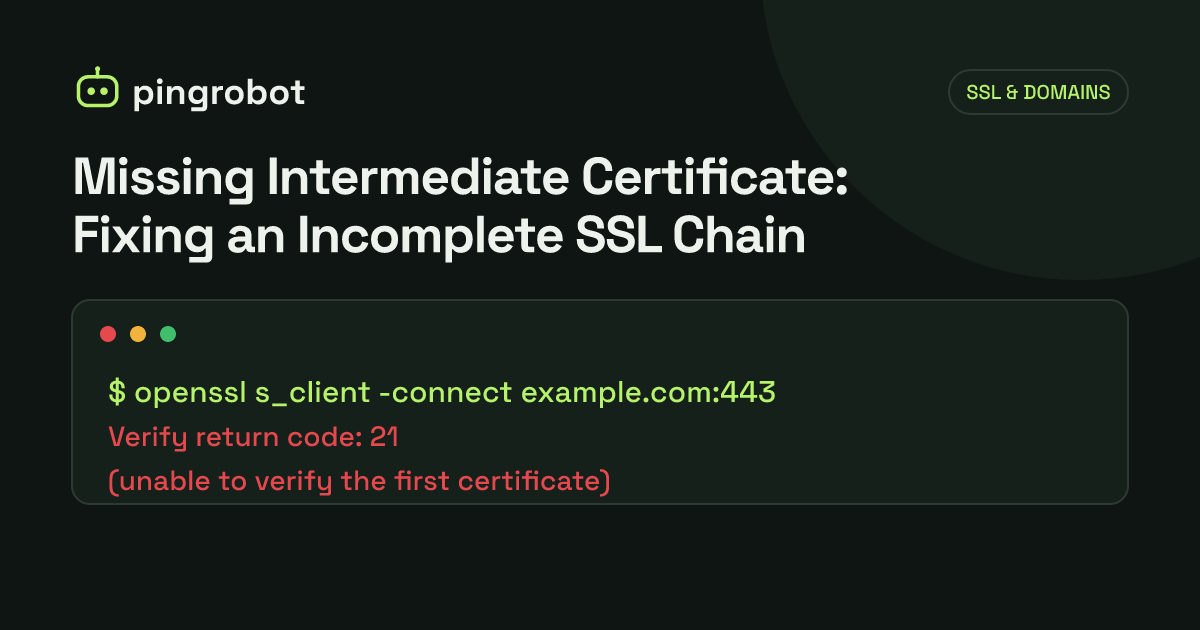
A missing intermediate certificate means your server sends its own certificate but not the intermediate CA certificate that links it to a trusted root. Some browsers fill the gap by downloading the intermediate themselves, so the site looks fine, while curl, Python, Node.js, Java and many mobile and server clients fail with "unable to get local issuer certificate". Detect it with openssl s_client -showcerts and fix it by configuring the server with the full chain file, leaf first, then intermediates.
A missing intermediate certificate, often called an incomplete chain, means the server sends its own certificate but leaves out the intermediate CA certificate that connects it to a root the client trusts. Clients need that link to verify the certificate. Some browsers find the missing piece on their own, so the site looks perfectly fine when you test it, while curl, Python, Node.js, Java, mobile apps and webhook senders fail with errors like "unable to get local issuer certificate". The fix is a server configuration change: serve the full chain, your certificate first and then the intermediates.
How certificate chains work
Public CAs do not sign website certificates directly with their root keys. Roots are kept offline, and an intermediate certificate, signed by the root, signs your leaf certificate. A client verifies the chain step by step:
- The leaf certificate for
example.comwas signed by intermediate X. - Intermediate X was signed by root Y.
- Root Y is in the client's trust store.
Clients ship with roots but not, in general, with every intermediate. The TLS specification expects the server to send the leaf plus the certificates needed to reach a trusted root. If the server sends only the leaf, a strict client stops at step 1: it has a certificate signed by an issuer it has never heard of.
Why it works in some places and not others
This is what makes an incomplete chain so confusing. Different clients handle the missing link differently.
AIA fetching
Most certificates include an Authority Information Access (AIA) extension with a caIssuers URL pointing to the issuing intermediate certificate. Some clients, including Chromium-based browsers and Apple's platforms, will download the missing intermediate from that URL during verification and carry on. To the user, nothing seems wrong.
Cached and preloaded intermediates
Browsers also remember intermediates they have seen on other sites, and Firefox ships with a preloaded list of known intermediates instead of fetching them over AIA. A browser that recently visited another site using the same intermediate may succeed where a fresh install fails. This is why an incomplete chain often "works on my machine".
Clients that do neither
Most programming languages' HTTP libraries and command-line tools built on OpenSSL do not fetch intermediates. Against a server with an incomplete chain, Python and Node.js fail, as does curl on Linux:
curl: (60) SSL certificate problem: unable to get local issuer certificate
Error: unable to verify the first certificate (Node.js, code UNABLE_TO_VERIFY_LEAF_SIGNATURE)
ssl.SSLCertVerificationError: [SSL: CERTIFICATE_VERIFY_FAILED] certificate verify failed: unable to get local issuer certificate
Java clients typically report a "PKIX path building failed" error. Those are exactly the clients behind APIs, webhooks, payment callbacks, server-side integrations and many mobile apps.
AIA is becoming less reliable to depend on
Even AIA fetching is not a safety net to count on. Since version 2.3.1 of the CA/Browser Forum Baseline Requirements (ballot SC104, effective October 2026), the AIA extension in website certificates, including its caIssuers entry, is recommended rather than required. A certificate without it gives even AIA-fetching browsers nothing to download, so a missing intermediate breaks there too.
How to detect a missing intermediate
With openssl s_client
The -showcerts option prints every certificate the server sends:
echo | openssl s_client -connect example.com:443 -servername example.com -showcerts 2>/dev/null \
  | grep -E '^ *[0-9]+ s:|^ *i:'
A complete chain shows at least two entries, the leaf and its intermediate, where each certificate's issuer (i:) matches the subject (s:) of the next:
 0 s:CN=example.com
   i:C=US, O=Let's Encrypt, CN=R12
 1 s:C=US, O=Let's Encrypt, CN=R12
   i:C=US, O=Internet Security Research Group, CN=ISRG Root X1
An incomplete chain shows only entry 0, whose issuer is an intermediate that is not in the output. The verification summary at the end of the full output confirms it:
echo | openssl s_client -connect example.com:443 -servername example.com 2>&1 | grep 'Verify return code'
Verify return code: 21 (unable to verify the first certificate)
A healthy chain returns Verify return code: 0 (ok). Always pass -servername, or you may be testing the server's default certificate instead of the one visitors get.
With a library you know is strict
A one-line test from Python or Node.js on a Linux machine is a good second opinion, because neither fetches missing intermediates:
python3 -c "import urllib.request; urllib.request.urlopen('https://example.com')"
If it raises CERTIFICATE_VERIFY_FAILED while the browser shows a padlock, suspect the chain. Do not rely on a browser test alone, and be aware that curl on macOS uses Apple's TLS stack and can succeed where curl on Linux fails.
How to fix it
Serve the full chain file
Most CAs and ACME clients give you both pieces. Use the file that contains the leaf and the intermediates.
With Certbot, that is fullchain.pem, not cert.pem:
# nginx
ssl_certificate     /etc/letsencrypt/live/example.com/fullchain.pem;
ssl_certificate_key /etc/letsencrypt/live/example.com/privkey.pem;
Apache 2.4.8 and later read the chain from the same file:
SSLCertificateFile    /etc/letsencrypt/live/example.com/fullchain.pem
SSLCertificateKeyFile /etc/letsencrypt/live/example.com/privkey.pem
Older Apache versions use a separate SSLCertificateChainFile directive for the intermediates.
Build the chain yourself if you need to
If your CA gave you separate files, concatenate them with the leaf first, then each intermediate in order toward the root:
cat example.com.crt intermediate.crt > fullchain.crt
Order matters. A file that starts with the intermediate, or that contains a leaf whose issuer does not match the intermediate that follows, is as broken as a missing one. Check before deploying:
openssl x509 -in example.com.crt -noout -issuer
openssl x509 -in intermediate.crt -noout -subject
openssl verify -untrusted intermediate.crt example.com.crt
The issuer of the leaf must equal the subject of the intermediate, and openssl verify should print example.com.crt: OK.
Reload and retest
Reload the server (sudo nginx -t && sudo systemctl reload nginx), then rerun the s_client check from outside your network. If you have several servers, a load balancer or a CDN where you uploaded the certificate yourself, check each one: on many load balancers and CDNs, the intermediate bundle is a separate field that is easy to leave empty.
Related chain problems
A chain can be present and still wrong. The same s_client output helps with these:
- The wrong intermediate. CAs run several intermediates, and a bundle downloaded for one certificate may not match a later one. The leaf's
i:line must match the next certificate'ss:line exactly. - An expired intermediate or old cross-sign. If an intermediate in the file has passed its own expiry date, some clients reject the chain even though the leaf is fine. When the DST Root CA X3 root, which Let's Encrypt's older default chain led to, expired on September 30, 2021, some older clients that depended on that chain started failing. Use the chain your CA currently provides rather than one saved years ago.
- A self-signed certificate in the chain. Strict clients report "self-signed certificate in certificate chain" when the chain ends at a root they do not trust, which often means a private or test CA certificate was bundled by mistake, or that something such as a corporate proxy is intercepting the connection.
- Too many certificates. Including the root, or unrelated intermediates, rarely breaks anything, but it adds size to every handshake. Send only what the client needs.
Preventing it next time
- Point configs at the full chain path, so every renewal picks up the intermediates automatically. With ACME clients the intermediate can change between renewals, which is another reason not to keep a hand-copied chain file.
- Test every certificate change with a strict client, not just a browser.
- Recheck after moving hosts or CDNs, especially when you upload a certificate by hand.
- Watch the rest of the certificate too. Expiry and host name coverage cause the other common outages; see SSL certificate monitoring and NET::ERR_CERT_COMMON_NAME_INVALID.
The free SSL certificate checker shows a site's current certificate, issuer and host names. PingRobot's HTTPS monitors also read each certificate daily and email you 7, 14 or 30 days before it expires, then every day in the last three, on every plan.
Start monitoring free — 10 monitors, no credit card.
Frequently asked questions
Should the root certificate be included in the chain?
It is not needed. Clients already have the root in their trust store, so sending it only adds bytes to every handshake. Send the leaf certificate followed by the intermediate or intermediates.
Why did my site work in Chrome but fail in my API client?
Some browsers download a missing intermediate using the address in the certificate's Authority Information Access extension, or reuse one cached from another site. Most HTTP libraries and command-line tools do not, so they see a chain that ends at an untrusted certificate.
Can I fix this on the client instead?
You can add the intermediate to a client's trust store, but that only fixes that one client and hides the real problem from you. Every other client still fails. Fix it once, on the server.
Does a CDN or managed host handle the chain for me?
Usually, when it issues the certificate itself. When you upload your own certificate to a load balancer or CDN, you often have to paste the intermediate bundle separately or upload a full-chain file.