ERR_SSL_PROTOCOL_ERROR: What It Means and How to Fix It
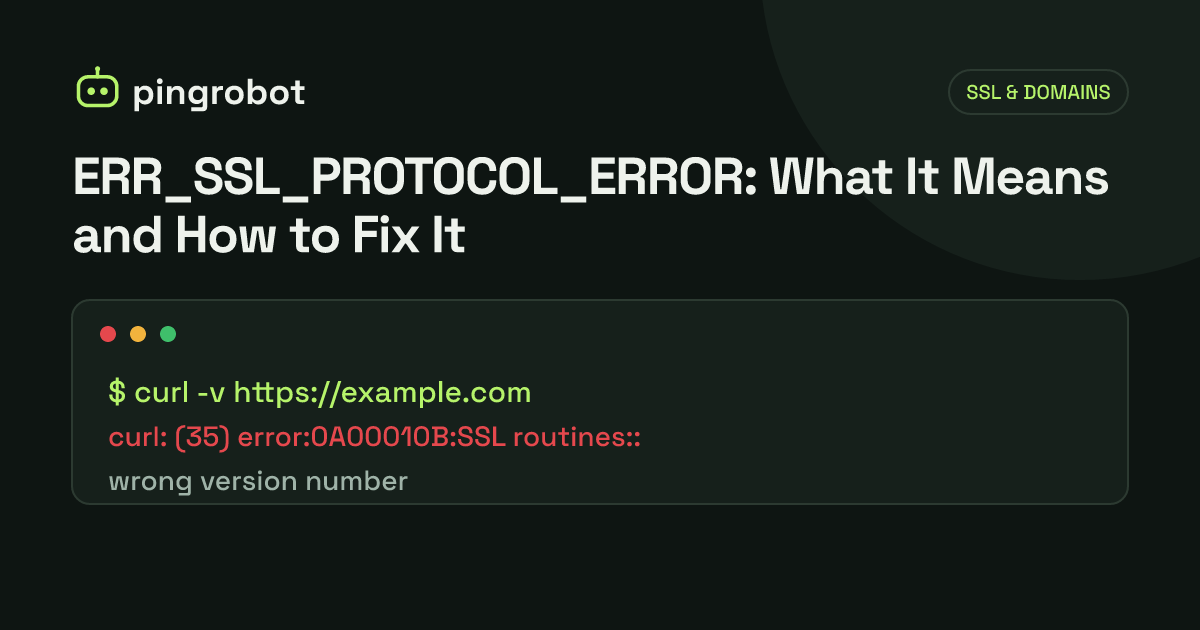
ERR_SSL_PROTOCOL_ERROR is Chrome's error for a TLS handshake that failed because the server sent something the browser could not treat as valid TLS, so no certificate was ever checked. The most common cause is a port 443 that answers in plain HTTP, followed by a broken or missing TLS configuration, an unexpected server for the host name (SNI), a proxy or CDN in the path, or local software that intercepts HTTPS. Test with openssl s_client and curl -v from outside your network to see where the handshake stops.
ERR_SSL_PROTOCOL_ERROR is the error Chrome and other Chromium-based browsers show when the TLS handshake with a server fails because the response did not follow the protocol. The page says the site "can't provide a secure connection" and "sent an invalid response". The browser never got far enough to check a certificate. By far the most common cause is a server answering in plain HTTP on the port the browser expected to speak HTTPS on. Other causes are a missing or broken TLS setup, the wrong virtual host answering for the name, a proxy or CDN in between, or software on the visitor's computer that intercepts HTTPS.
What the error means
When you open an https:// URL, the browser opens a TCP connection, usually to port 443, and starts the TLS handshake by sending a ClientHello. The server is supposed to answer with a ServerHello, its certificate and the rest of the handshake. ERR_SSL_PROTOCOL_ERROR means the reply was not something the browser could work with: plain text instead of TLS records, a malformed message, or the connection closing in the middle of the handshake.
How it differs from certificate errors
| Error | What happened |
|---|---|
| ERR_SSL_PROTOCOL_ERROR | The handshake broke. No usable certificate exchange took place. |
| ERR_SSL_VERSION_OR_CIPHER_MISMATCH | Client and server share no acceptable TLS version or cipher suite. |
| NET::ERR_CERT_COMMON_NAME_INVALID | A certificate arrived but does not cover the host name. See NET::ERR_CERT_COMMON_NAME_INVALID. |
| NET::ERR_CERT_AUTHORITY_INVALID | A certificate arrived but the browser cannot build a trusted chain, often a missing intermediate certificate. |
| NET::ERR_CERT_DATE_INVALID | A certificate arrived but is expired or not yet valid. |
With a NET::ERR_CERT_ error, you fix the certificate. With ERR_SSL_PROTOCOL_ERROR, you fix what is listening on the port and how it is configured.
Step 1: is it the visitor or the server?
Open the site on another device and another network, such as a phone on mobile data. If it fails everywhere, go to the server-side causes. If it fails only on one machine or network, start with the visitor checks at the end of this article.
Server-side causes and fixes
Plain HTTP on the HTTPS port
This is the classic cause. The server listens on 443 but speaks HTTP there, so the browser's ClientHello gets an HTTP error response back. Test it:
openssl s_client -connect example.com:443 -servername example.com </dev/null
A working server prints the certificate chain, a Protocol line such as TLSv1.3, and Verify return code: 0 (ok). A plain HTTP listener produces an error containing wrong version number and no peer certificate available. The exact error text differs between OpenSSL versions, but "wrong version number" is the giveaway. curl fails with exit code 35; builds that use OpenSSL show the same wrong version number text, while builds on other TLS libraries word it differently:
curl -v https://example.com/
Common ways to end up here:
- nginx
listen 443;withoutssl. The port is open but serves HTTP. It must belisten 443 ssl;withssl_certificateandssl_certificate_keyin the same server block. - An Apache virtual host on 443 without
SSLEngine on, or with mod_ssl not enabled (a2enmod sslon Debian and Ubuntu). - A load balancer listener on 443 set to the HTTP protocol instead of HTTPS or TLS.
- A URL with an HTTP-only port, such as
https://example.com:8080pointing at an app server that does not do TLS.
Missing or broken TLS configuration
If one server block on port 443 has TLS set up and another does not, or the certificate and key files are missing, mismatched or unreadable, the server may fail to start, or fail the handshake. Check the configuration and the error log:
sudo nginx -t
sudo apachectl configtest
sudo tail -n 50 /var/log/nginx/error.log
Confirm the key matches the certificate by comparing their public keys:
openssl x509 -in cert.pem -noout -pubkey | openssl sha256
openssl pkey -in key.pem -pubout | openssl sha256
The two hashes must be identical.
Only old TLS versions or ciphers
Chrome no longer supports TLS 1.0 or 1.1, and it rejects weak cipher suites. A server that offers nothing newer fails the handshake. In current Chrome this usually appears as ERR_SSL_VERSION_OR_CIPHER_MISMATCH rather than ERR_SSL_PROTOCOL_ERROR, but it is worth ruling out with the same tools. See what the server supports:
nmap --script ssl-enum-ciphers -p 443 example.com
The output lists each TLS version with its cipher suites. You want TLSv1.2 and ideally TLSv1.3. Test a version directly:
openssl s_client -connect example.com:443 -servername example.com -tls1_2 </dev/null
openssl s_client -connect example.com:443 -servername example.com -tls1_3 </dev/null
In nginx, a modern baseline is ssl_protocols TLSv1.2 TLSv1.3;. Old appliances, embedded devices and outdated OpenSSL builds are the usual offenders; upgrading the TLS library or putting a modern reverse proxy in front fixes them.
SNI problems
When many sites share one IP address, the browser names the site it wants in the ClientHello using Server Name Indication (SNI), and the server picks the matching configuration. If no server block matches, the server falls back to its default for that port. If the default is a plain HTTP block or is configured to abort unknown names, for example with nginx's ssl_reject_handshake on;, the handshake fails. Depending on how the server aborts, Chrome may show ERR_SSL_PROTOCOL_ERROR or a more specific SSL error.
Always pass -servername to openssl s_client; without it you may be testing the default block, not the site. Compare:
openssl s_client -connect 203.0.113.10:443 -servername shop.example.com </dev/null
openssl s_client -connect 203.0.113.10:443 </dev/null
If the first fails and another name on the same IP works, add a TLS-enabled server block whose server_name includes the host name.
A proxy or CDN in the middle
With a CDN or proxy in front, the browser does its TLS handshake with the edge, not with your server. A few points to keep straight:
- Cloudflare SSL modes control the edge-to-origin leg. "Flexible" connects to your origin over HTTP, "Full" over HTTPS without validating the origin certificate, and "Full (strict)" over HTTPS with a valid certificate. Getting this wrong typically causes a redirect loop or a Cloudflare 52x error page, not ERR_SSL_PROTOCOL_ERROR in the browser.
- A DNS-only record bypasses the CDN. If a record is not proxied, visitors connect straight to your origin, so the origin must serve valid TLS itself. Moving a record from proxied to DNS-only can expose an origin that only speaks HTTP.
- The edge needs a certificate for the name. A host name the edge certificate does not cover, such as a deeper subdomain level, or a certificate still being issued for a newly added domain, makes the handshake at the edge fail.
Test the origin directly, bypassing the CDN:
curl -v --resolve example.com:443:ORIGIN_IP https://example.com/
Visitor-side causes and fixes
Antivirus and HTTPS scanning
Some antivirus and security suites intercept HTTPS to scan traffic, replacing the server's TLS connection with their own. Outdated or buggy versions can break handshakes for some sites. Temporarily disable HTTPS or web scanning, retry, and update the software if that was it. Corporate proxies that inspect TLS can have the same effect.
The system clock
A clock that is far off breaks certificate validation, which more often shows up as NET::ERR_CERT_DATE_INVALID or Chrome's "Your clock is ahead" or "Your clock is behind" page than as a protocol error. It costs nothing to check, though: turn on automatic date and time and retry.
VPNs, extensions and cached state
Disable VPNs and browser extensions that touch network traffic, try an incognito window, and test in a second browser. If only one network is affected, a captive portal or filtering gateway on that network may be interfering.
Monitoring HTTPS so you find out first
Configuration mistakes like these usually arrive with a change: a new server block, a load balancer edit, a CDN record switched to DNS-only. An HTTPS uptime monitor makes a real TLS connection on every check, so a broken handshake shows up as a failed check from outside. PingRobot also tracks the certificate itself on every plan, with expiry reminders and alerts for problems such as a hostname mismatch or a missing intermediate; for protocol errors, it is the failing HTTPS check that tells you. For a quick manual check, the SSL checker shows what a server presents, and SSL certificate monitoring covers what to watch beyond expiry.
Start monitoring free — 10 monitors, no credit card.
Frequently asked questions
Is ERR_SSL_PROTOCOL_ERROR a certificate problem?
Usually not. Certificate errors start with NET::ERR_CERT_ and mean the browser received a certificate and rejected it. ERR_SSL_PROTOCOL_ERROR means the handshake broke down before a certificate could be judged, so renewing the certificate alone rarely fixes it.
Why does the site work in one browser or network but not another?
The difference is usually in the middle, not on the server. Antivirus HTTPS scanning, a corporate proxy or a VPN may intercept the connection on one setup and not another. If the error happens on every network and device, the server is the cause.
What does "wrong version number" mean in openssl or curl output?
The client sent a TLS ClientHello and got bytes back that do not look like a TLS record, most often a plain HTTP response from a server that is not configured for TLS on that port. It does not mean the TLS version is too old.
Does Cloudflare's Flexible SSL mode cause ERR_SSL_PROTOCOL_ERROR?
Not directly. Visitors connect to Cloudflare's edge, which has its own certificate. Mode mismatches between Cloudflare and your origin typically show up as a redirect loop or a Cloudflare 52x error page instead. Edge-side handshake failures, such as a host name the edge certificate does not cover, are a separate problem.